Appearance
Icon Font
SVG icon source files are stored in src/icon and converted to icon fonts using the fantasticon package. These fonts are then used by the BasicIcon.vue component. For icon type definitions, please refer to here
Review All Icons
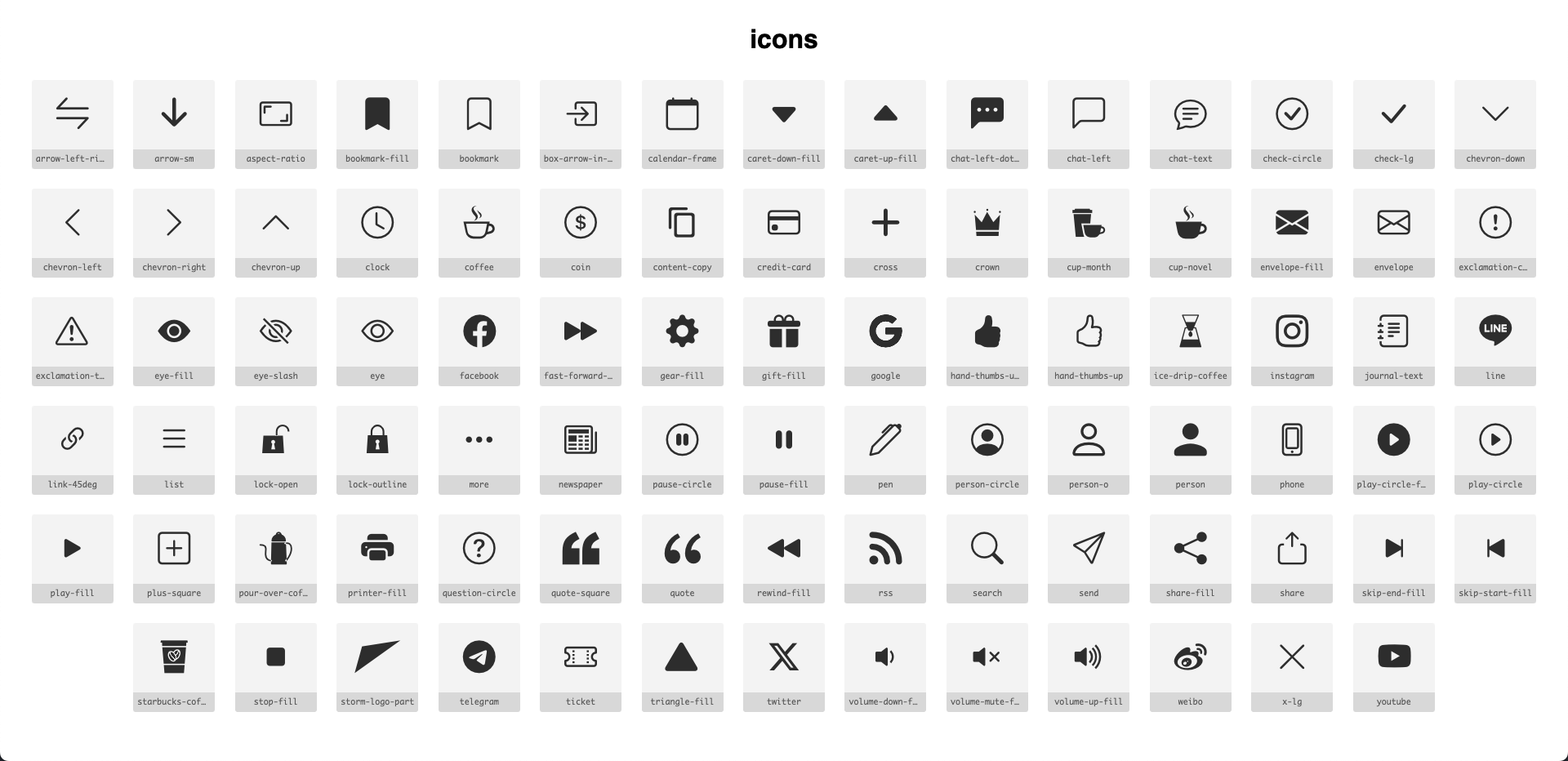
To view all available icons, open /src/assets/font/icons.html in your browser. The preview will appear as shown below:
TIP
If you encounter SVG issues, you can modify them directly using the SVG Preview extension in real-time feedback. For unresolvable issues, ask UI/UX designer for help.
Add New Icon
- Place the new icon SVG file in
src/public/icon - Run the following command in the terminal:
bash
npm run prepare-icon-fontAfter execution, the newly added icons will be available for use in BasicIcon.
Moreover, running the above command will generate file changes that must be committed to git:
src/assets/font/icons.csssrc/assets/font/icons.htmlsrc/assets/font/icons.jsonsrc/assets/font/icons.ttfsrc/assets/font/icons.woffsrc/assets/font/icons.woff2src/types/iconTypes.ts